
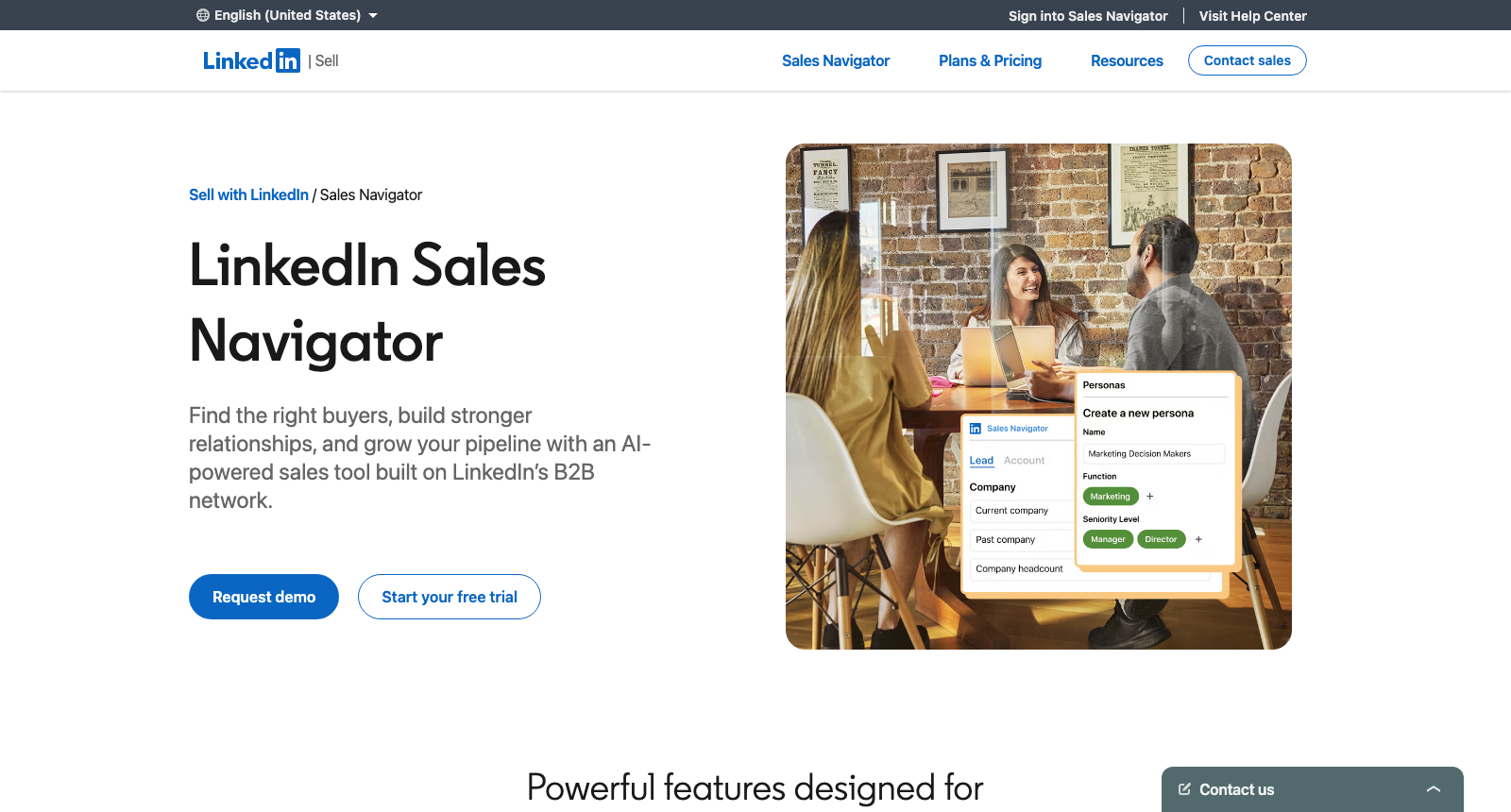
LinkedIn Sales Navigator is the paid search layer on top of LinkedIn: more than 50 lead and account filters across what LinkedIn calls over a billion members, 50 InMail credits a month, saved searches and alerts. Core costs US$119.99 a month for one seat, and Advanced US$159.99.
People look for an alternative for one of three reasons: the seat price, the fact that LinkedIn lets nothing out (its help centre is plain that leads and accounts cannot be exported), or the sense that a list of people who match a title is not the same thing as a list of people ready to talk.
One thing worth saying first. WarmDogo is first on this list and it is the tool behind this site. Every tool below was read on its own site on 21 October 2026, and the page is written to be useful whichever you pick, including if the answer turns out to be keeping Sales Navigator.
What are the best Sales Navigator alternatives?
Each of these replaces the part of Sales Navigator most people pay for, which is building a list of people to contact. They split by how they find those people: four search a database by filters, the way Sales Navigator does, and one starts from what somebody just did on LinkedIn.
| Tool | From | Finds leads by | Needs your LinkedIn | Best for |
|---|---|---|---|---|
| WarmDogo | $99 a month | Public LinkedIn activity, scored against your ICP | No | People showing interest now |
| Apollo | Free, or $49 a seat billed yearly | A 240M-contact database, plus sending | No | One tool for list and outreach |
| Lusha | Free, or $37.45 billed yearly | A 515M-contact database and 26 buying signals | No | Direct dials and job-change signals |
| UpLead | $74 billed yearly | A 200M-contact database, verified as you search | No | Accuracy over volume |
| Kaspr | Free, or $49 a user | A Chrome extension on LinkedIn profiles | Yes | Contact details for people you already found |
1. WarmDogo
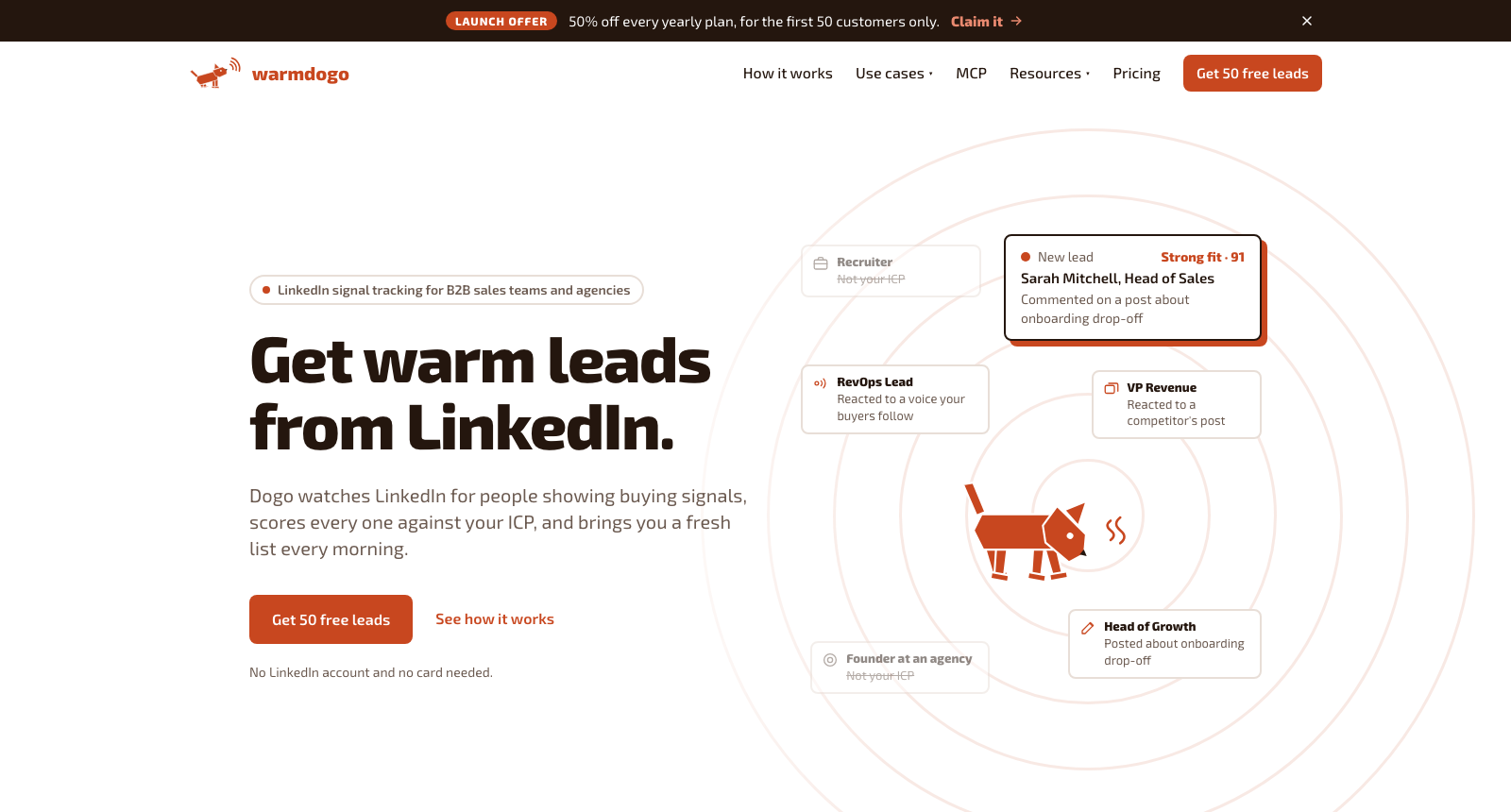
WarmDogo builds an ICP from your website, watches public LinkedIn for people showing buying signals, scores every one against that ICP, and brings back a fresh list each morning with the post or action that surfaced each person.
Against Sales Navigator the difference is the starting point. A saved search returns everybody who matches a title and a headcount whether or not they are paying attention this month, and leaves you to work out who is. WarmDogo starts from activity: engagement on your posts and a competitor's, the followers of voices your buyers trust, people reacting to or writing about the problem you solve, companies hiring the role, and people who fit the ICP and posted this month.
It never touches your LinkedIn account and exports every kept lead as a CSV, which covers both of the things Sales Navigator will not do.
Best for: teams who already know who their buyer is and want to know which of them to contact this week.
Key features
- Starting points from engagement, phrases, hiring and ICP fit, run together
- ICP scoring with the public evidence attached to every lead
- A keep or skip queue that reorders the next run around what you keep
- CSV export, and an MCP server for Claude, ChatGPT or Cursor
Pros
- Finds people by what they did, so every lead has a reason to contact them now
- Exports freely, with no LinkedIn account connected at any point
- Starts with free leads before any card is asked for
Cons
- Sourcing only: no InMail, no messaging and no email sending
- Smaller lists than a filter search, because most of a market is quiet in any given week
- LinkedIn only, with no company-database search by revenue or tech stack
Pricing: Sniff is $99 a month for 10 signals, Hunt is $249 a month for 30. Yearly billing is two months free. Your first 50 leads are free. No card, no strings attached. How it runs for one rep and across clients is written up separately.
2. Apollo
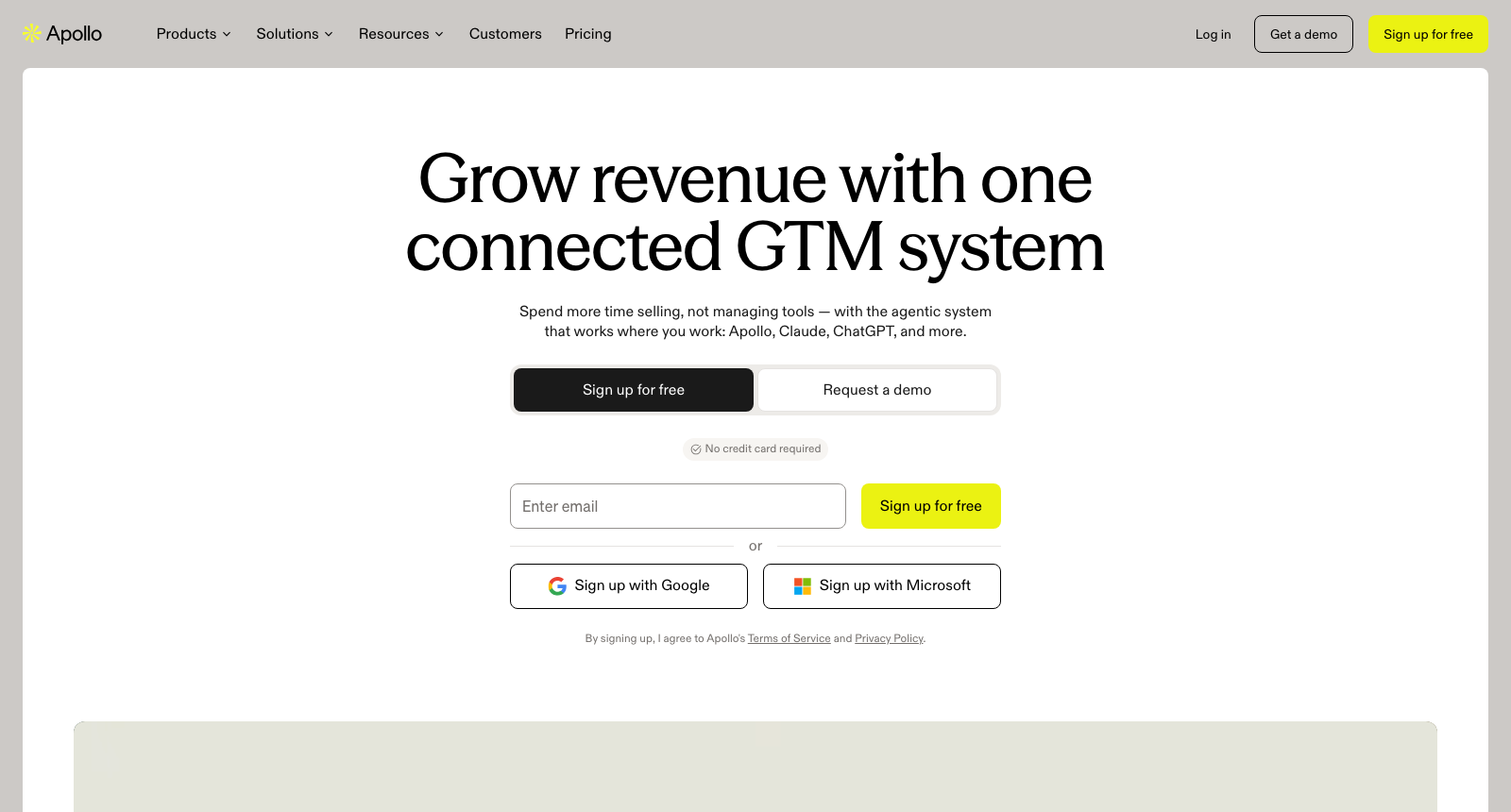
Apollo is the closest like-for-like swap for Sales Navigator's search. It is a database of 240 million contacts and 30 million companies with basic and advanced filters, intent topics, and buying signals it lists as intent, job changes and website visits, and it adds what Sales Navigator lacks: email and phone data, exports, and its own sequences, mailbox and dialer.
It runs in the browser, so no LinkedIn account is involved; a Chrome extension is there if you want it. Exports go up to 10,000 leads in one click.
Pricing is per seat. Free carries a small monthly credit allowance, Basic is $49 a month billed yearly or $65 monthly, Professional is $79 billed yearly, and Organization $119 billed yearly with a three-seat minimum. An email costs a credit and a phone number eight.
Best for: small teams who want the list and the outreach in one subscription.
Key features
- 240M contacts and 30M companies with advanced filters
- Intent topics and job-change and website-visit signals
- Sequences, a mailbox and a dialer built in
- 200+ integrations, including the main CRMs
Pros
- A free plan with no time limit
- Exports, which Sales Navigator does not allow at any price
- The most widely recommended alternative on the pages ranking for this search
Cons
- Phone numbers cost eight credits each, so a dialling-heavy plan burns fast
- Intent topics are capped by plan, from one on Free to twelve on Organization
- A filter database finds who matches, not who is active, the same as Sales Navigator
3. Lusha
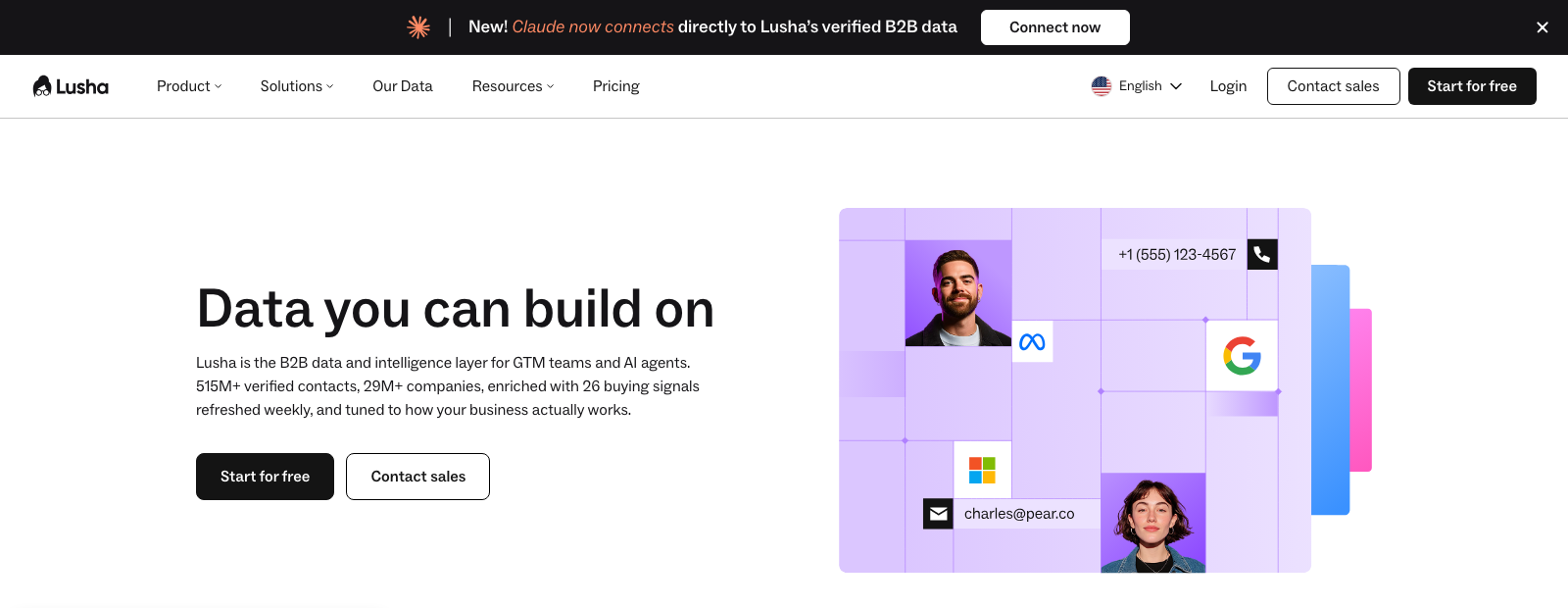
Lusha is a contact database built around accuracy of phone and email data, with 515 million contacts, 29 million companies and what it calls 26 buying signals: job changes, funding, hiring surges and leadership moves. You search it in its own workspace, or use its optional Chrome extension on LinkedIn, CRMs or any website.
The signals are its answer to Sales Navigator's job-change filter, and they reach further, into company events Sales Navigator only shows as alerts on accounts you have already saved.
Free is 40 credits a month with no card. Starter is $37.45 a month billed yearly or $49.90 monthly, Pro $52.45 billed yearly with signals, API and webhooks, and Premium $299.95 billed yearly with five seats. An email costs one credit and a phone number five.
Best for: sellers who live on the phone and want job-change and funding triggers alongside the numbers.
Key features
- 515M contacts with direct dials
- 26 buying signals, on Pro and above
- An optional Chrome extension that works on LinkedIn and in CRMs
- CSV export and CRM, Clay, Zapier and MCP integrations
Pros
- Free tier needs no card
- Monthly credits roll over, up to twice the allowance
- Signals cover company events as well as people
Cons
- Signals start on Pro, not on the entry plan
- Teams above five seats go to sales
- Includes email sequences, which overlaps with any sender you already pay for
4. UpLead
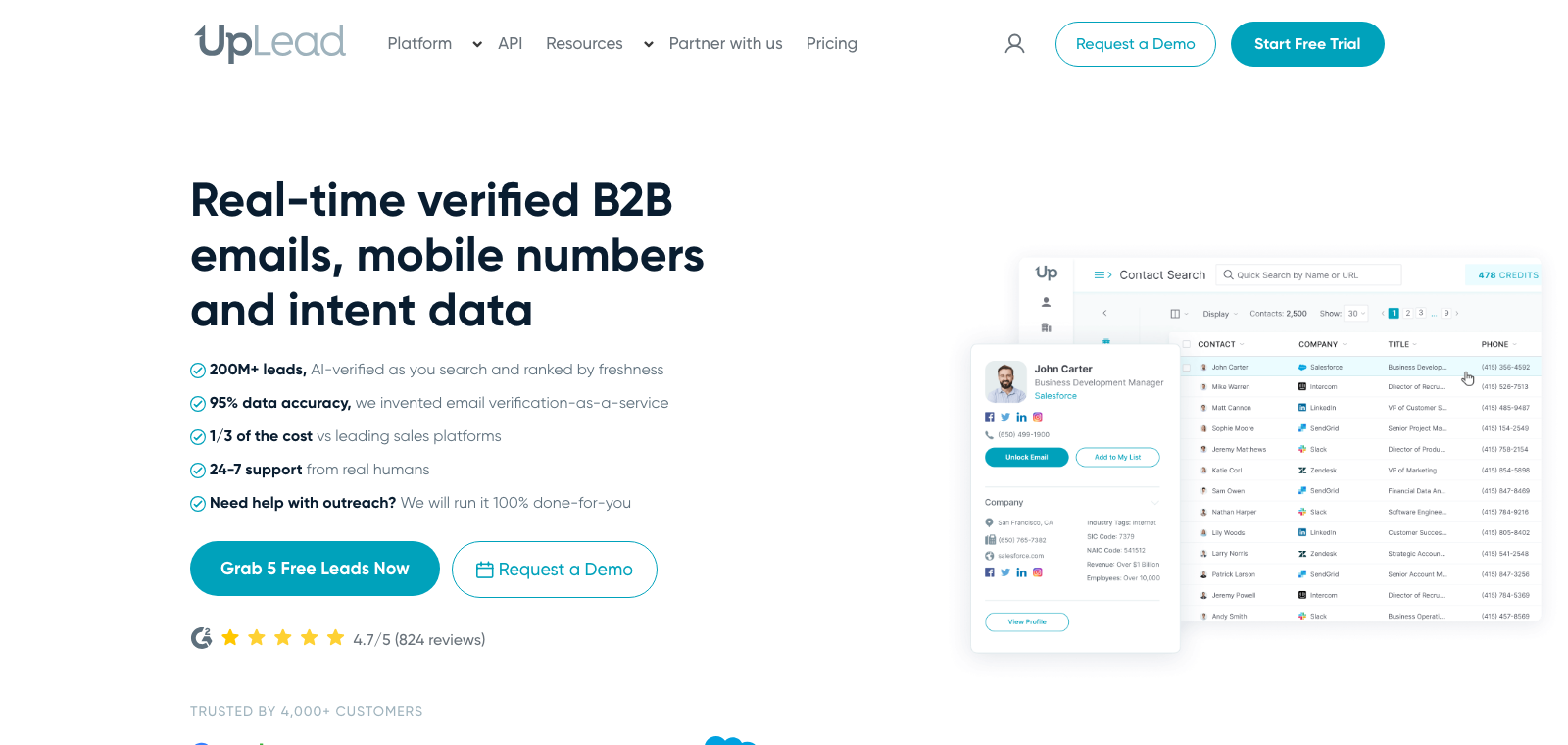
UpLead sells verification. Its 200 million contacts are checked as you search, it claims 95% accuracy, and one credit unlocks one contact for download or CRM export. Search uses 50-plus filters including technographics across what it counts as 16,000 technologies, a filter Sales Navigator does not have.
The tool does not send; UpLead offers a separate done-for-you cold email service for anyone who wants it.
Essentials is $74 a month billed yearly for 170 credits, Plus $149 billed yearly for 400, and Professional, the only plan with buyer intent data, is priced on a call. The trial is 7 days with 5 credits.
Best for: teams whose problem with Sales Navigator was bounced emails and dead numbers.
Key features
- 200M contacts, verified in real time
- 50+ filters, including technographics
- One credit per contact, exported to CSV or CRM
- An optional Chrome extension for capturing leads while browsing
Pros
- The clearest credit model here: one credit, one contact
- Technology filters Sales Navigator lacks
- 824 reviews on G2 at 4.7, by its own count
Cons
- Credits are tight on the entry plan, at 170 a month
- Intent data only on the plan priced by call
- Filter-based, so it shares Sales Navigator's blind spot on who is active now
5. Kaspr
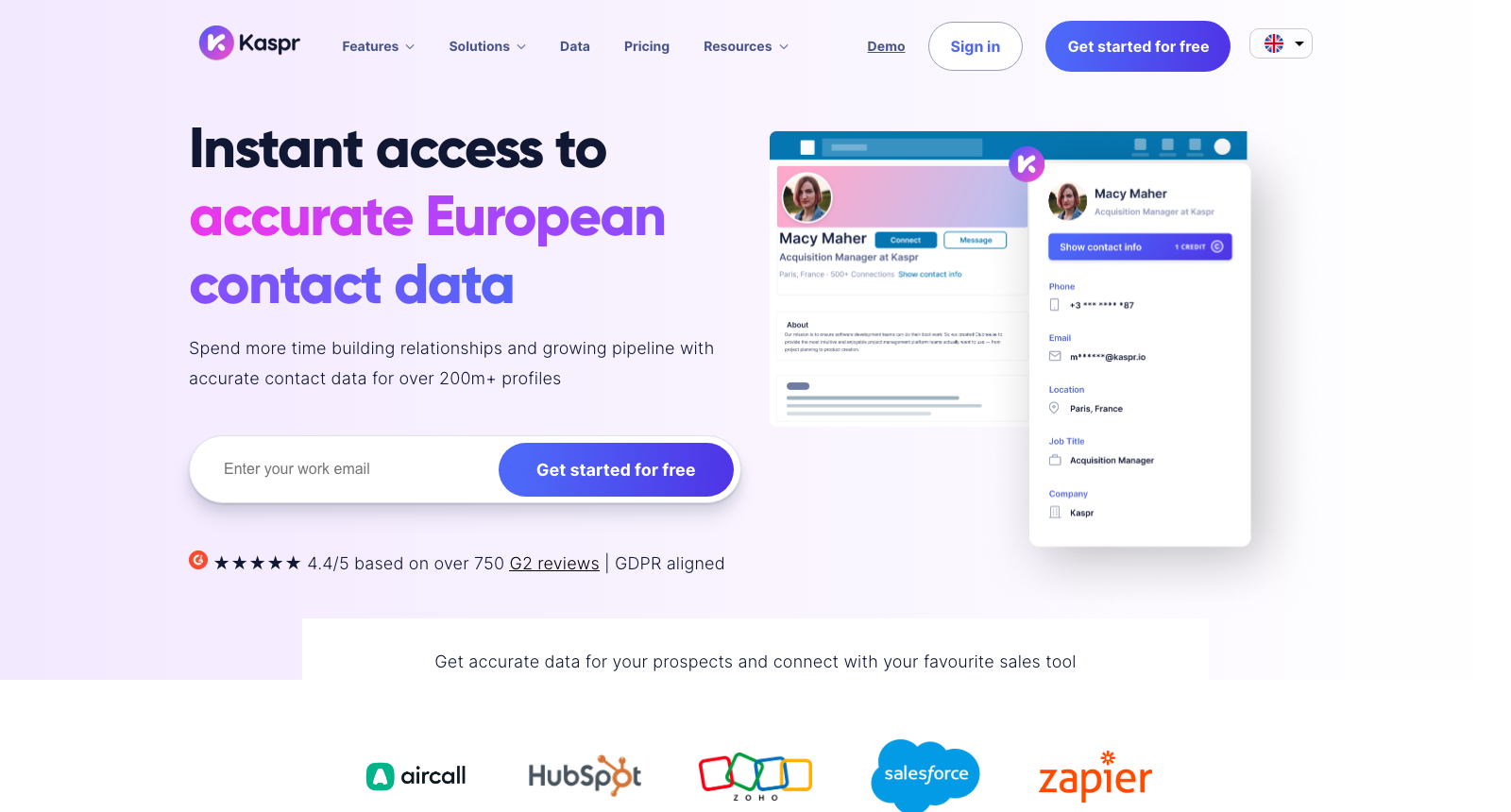
Kaspr is the alternative people reach for when they want to stop paying for Sales Navigator and keep using LinkedIn's free search. It is a Chrome extension, owned by Cognism, that sits on LinkedIn profiles and search results and reveals phone numbers and emails, one at a time or in bulk, with European data as its strength.
That makes it half an alternative. It replaces the contact data Sales Navigator never had, and leaves the finding to LinkedIn itself: there is no standalone search, and setup asks you to sync your LinkedIn account with the extension.
Free covers a handful of emails and phone numbers a month. Starter is listed at $49 and $65 a user a month and Business at $79 and up, with the pricing page not labelling which figure is monthly and which yearly. Its own site says no card is needed to sign up.
Best for: founders who find people with LinkedIn's free search and only need their contact details.
Key features
- A Chrome extension on LinkedIn profiles, search and Recruiter Lite
- Phone and email reveals, singly or in bulk
- Strong European coverage
- Routes to HubSpot, Salesforce, Pipedrive, Lemlist and Zapier
Pros
- The cheapest way to keep a LinkedIn-first workflow with contact data
- Free plan, and no card to start
- 4.4 on G2 across 750-plus reviews, by its own count
Cons
- Needs your LinkedIn account and the extension running
- No search of its own, so list building still happens in LinkedIn
- The pricing page contradicts itself on caps, so confirm limits before buying
What can Sales Navigator's filters see, and what can't they?
Sales Navigator does have activity filters, and anybody comparing tools should know exactly which, because a few of them are genuinely useful. What none of them can tell you is what the activity was about or whose post it happened on, and that is the part that tells you why somebody might want to talk.
What Sales Navigator's filters see
Who somebody is, plus a handful of facts about recent activity.
- Posted on LinkedIn in the last 30 daysThat they posted, never what about
- Changed jobs in the last 90 days
- Follows your company page
- Viewed your profile recently
- Account buyer intentAdvanced plan, read from your own InMail, ads and page views
What none of them see
What the activity was about, and whose post it happened on.
- Reacted to a competitor's post
- Commented on a post by someone your buyers follow
- Wrote a post about the problem you solve
- Reacted to the conversation about that problem
The "posted on LinkedIn in the last 30 days" filter is the clearest case. It narrows a search to people who are active, a useful cut, and says nothing about whether they posted about a promotion, a conference or the exact problem you solve. That difference is what the signal-based approach in the LinkedIn prospecting guide is built on, and the LinkedIn signals guide shows how each kind of activity behaves in practice.
When is Sales Navigator still the right tool?
Sales Navigator remains the best option for a few jobs, and replacing it there costs more than it saves.
Account-based selling to a named list. TeamLink, account maps and lead alerts on saved accounts are built for working a fixed set of companies over months, and the alternatives here are built for finding new people.
InMail. Fifty InMail credits a month reach people outside your network without an email address, which none of these tools replace.
LinkedIn-native research. Profiles, mutual connections and shared experiences are richer inside Sales Navigator than in any export.
CRM sync on Advanced Plus, for a team that already runs its pipeline in Salesforce or HubSpot and wants Sales Navigator inside it.
Which alternative fits how you prospect?
Five questions sort the list.
Do you want people who are showing interest now? WarmDogo starts from public LinkedIn activity and scores it against your ICP, so the list is smaller and every name on it comes with a reason.
Do you want one tool for the list and the outreach? Apollo, with sequences, a mailbox and a dialer on top of its database.
Do you mostly call? Lusha, for direct dials and job-change and funding triggers.
Did Sales Navigator's data bounce? UpLead, which verifies as you search.
Are you happy with LinkedIn's free search and only need contact details? Kaspr, as an extension on top of it.
For tools that also send on LinkedIn, see the LinkedIn prospecting tools roundup.
How do you move off Sales Navigator without losing your lists?
Sales Navigator exports nothing, so the order matters more than with most tools.
- Write down your saved searches before you cancel. You can save up to 50 lead and 50 account searches, and each is a set of filters you can rebuild in Apollo, Lusha or UpLead in a few minutes.
- Copy your key accounts by hand or through your CRM. Lists hold up to 1,000 leads each and 10,000 in total, and the only official way out is CRM sync on Advanced Plus.
- Run the replacement alongside for a week. Apollo, Lusha, Kaspr and WarmDogo all start free, so overlap costs nothing.
- Cancel before renewal, and note that LinkedIn does not offer a new free trial to anybody who has had one in the past 365 days.
For more comparisons, see the LinkedIn tool comparisons hub, or what WarmDogo costs.