
"Prospecting tool" covers two different products. One decides who to contact and hands you a list. The other runs the outreach, from a LinkedIn account you connect to it. A few do both, and in those the second half is usually the one they built first.
Buying the wrong half is the common mistake, and it is expensive in a way that takes a month to notice. A sending tool with no sourcing gives you a faster way to message a list you still have to build. A sourcing tool gives you a list you still have to send from.
So the eight tools below are ordered by which half they do, starting with the ones that only source. Everything here comes from each company's own site, docs and pricing pages, read in late September 2026, and every screenshot is that company's own homepage on the day it was captured. WarmDogo is the first entry and it is the tool behind this site; the rest of the page is written so it is useful if you pick a different one.
TL;DR: the best LinkedIn prospecting tools in 2026
A LinkedIn prospecting tool does one of two jobs. It decides who is worth contacting and hands that list to something else, or it runs the contacting from an account you connect. Here is how the eight compare.
- WarmDogo: best for reps and agencies who already have somewhere to send from and need the list to stop being the bottleneck.
- Max: best for teams who want company events, funding, hiring and tenders, alongside engagement, delivered as a morning digest.
- Traxy: best for teams with a short, clear list of competitors and creators whose audiences they want to work.
- Warmo: best for account-first outbound by email, where the company is the target and the person comes second.
- LinkedGrow: best for founders who want sourcing and sending in one place at the lowest price on this list.
- Gojiberry: best for teams who want signal breadth and the send in one tool, and have a few weeks to tune it.
- Valley: best for teams who already have a list and need the writing to carry more weight, at a per-seat price.
- Kakiyo: best for founders who want the whole conversation run unattended, from invitation to booked meeting.
| Tool | What it does | Where the leads come from | Account needed | From |
|---|---|---|---|---|
| WarmDogo | Sources | Nine kinds of public LinkedIn signal | No | $99 a month |
| Max | Sources | 26 signals, mostly company events | No | €79 a month |
| Traxy | Sources | Engagers of profiles you nominate | No | $149 a month |
| Warmo | Sources, sends email | Company events | No | Demo only |
| LinkedGrow | Sources, sends on LinkedIn | Engagement and job changes | Yes | $59 a month |
| Gojiberry | Sources, sends on LinkedIn | 15 signal slots per agent | Yes | $99 a month |
| Valley | Sources, sends on LinkedIn | Viewers, engagers, site visitors | Yes | $149 a seat |
| Kakiyo | Sends | Sales Navigator-style filters | Yes | €125 a month |
Prices read from each company's own pricing page, most recently in late September 2026. Several meter credits, contacts or leads a day, and the meter decides the real bill more often than the headline does.
The 8 best LinkedIn prospecting tools, compared
Each entry below says what the tool actually does, where its leads come from, what it is good at and where it stops. The order runs from sourcing-only through to sending-only, because which half you are buying is the decision that comes first.
1. WarmDogo
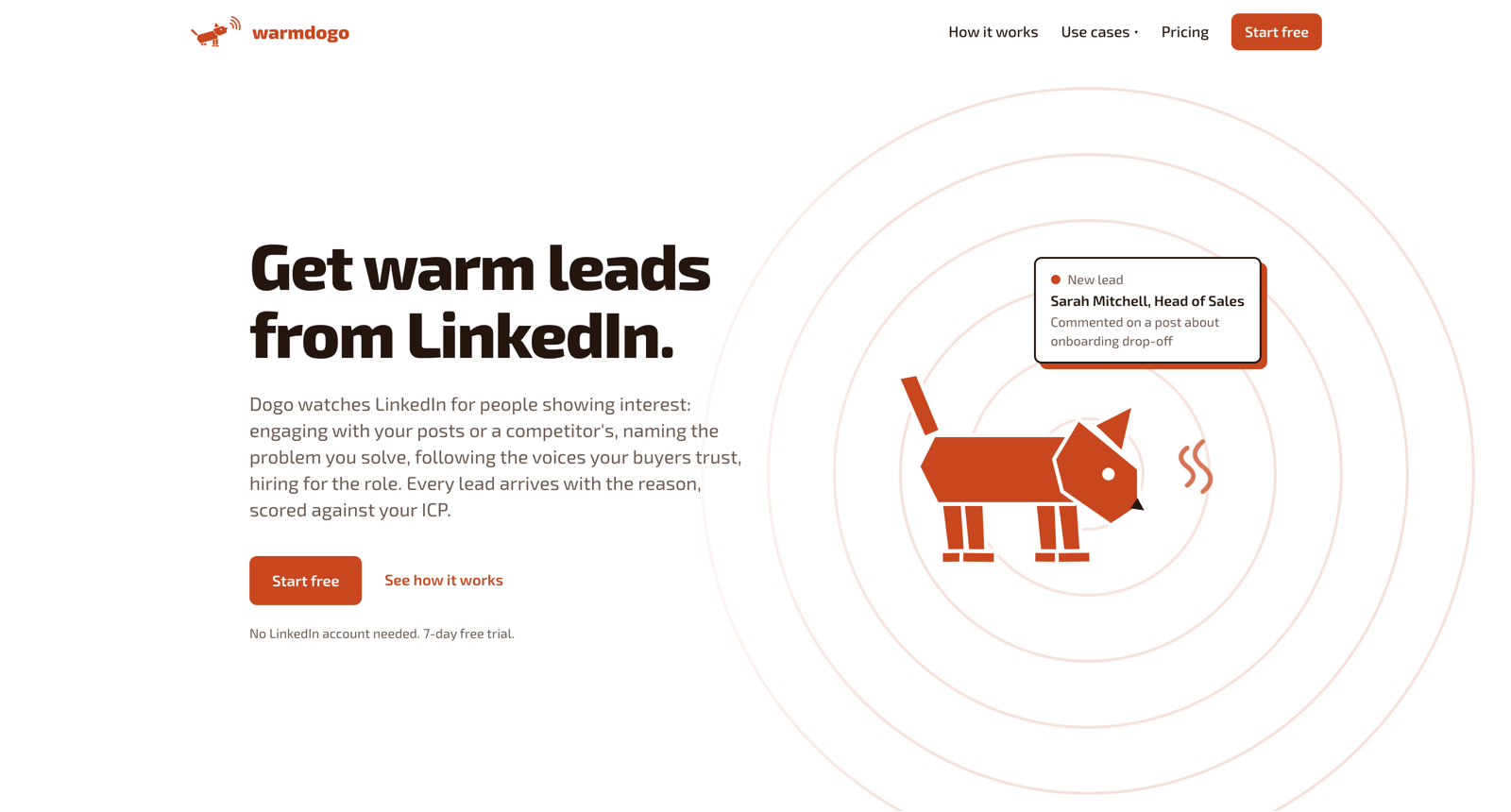
WarmDogo watches public LinkedIn activity for people doing something that suggests they are in the market, scores each one against your ICP, and hands you a list with the reason attached. It does not write the message and it does not send it. There is no LinkedIn account to connect, because everything it reads is already public.
The nine kinds of signal are the product: people engaging with your own posts, people reacting to a competitor's, everyone reacting to the wider conversation about the problem you solve, people writing about that problem themselves, the people who follow the voices your buyers trust, the people who leave a comment, companies hiring for the role that owns the problem, everyone who reacted to one post you pick, and people who fit the ICP and posted this month. Any one of them can go quiet for a week, so running several means a thin week in one place barely shows.
Leads arrive each morning. You keep or skip each person, and the kept ones come out as a CSV that goes into whatever you already send from. Keeps and skips are counted against the signal that found the person, so the signals bringing back people you want move up tomorrow's queue.
Best for: reps and agencies who already have somewhere to send from, and need the list to stop being the thing that takes the morning.
Key features
- Nine kinds of public LinkedIn signal, run together
- ICP scoring with the public evidence attached to every lead
- A keep or skip review queue that reorders tomorrow's run
- CSV export, with unlimited agents, leads and workspaces on both plans
Pros
- Nothing to connect, so there is no account carrying automation risk
- Breadth of source: one quiet competitor does not empty the list
- Every lead arrives with the public evidence that surfaced it
- Priced by signals, with no credit meter, so a badly tuned ICP costs nothing
Cons
- Sourcing only, so you still need a sender or you send by hand
- LinkedIn only, so no X, Reddit, YouTube or email signals
Pricing: Sniff is $99 a month for 10 signals, Hunt is $249 a month for 30. Yearly billing is two months free. 7-day free trial. Card required, cancel any time. How it runs for one rep and across clients is written up separately.
2. Max
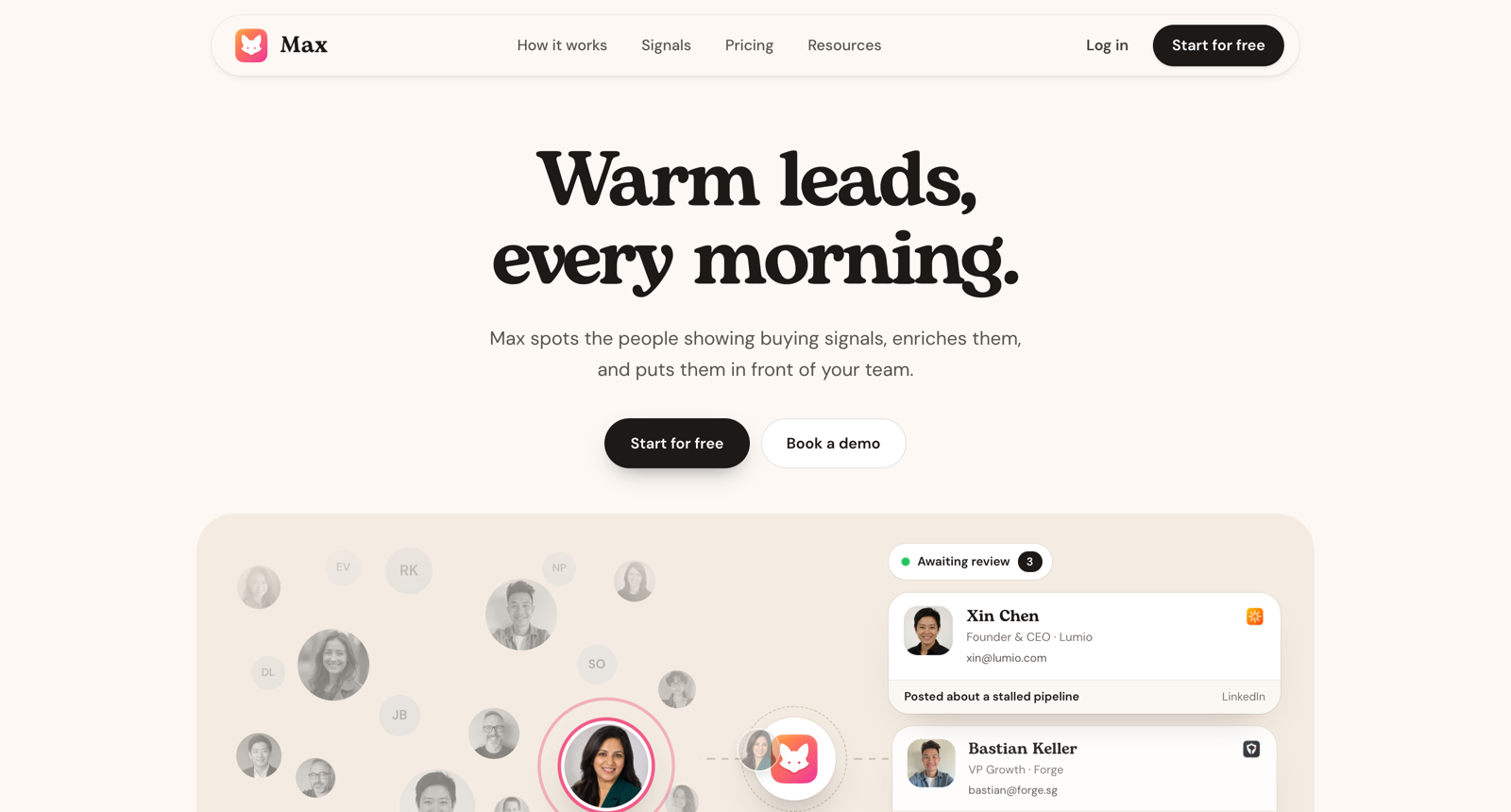
Max is a sourcing tool operated by Sortlist, the Belgian agency marketplace that also owns the Overloop sender. It watches 26 named signals, scores each person against your ICP, attaches the public evidence that surfaced them, and drops a reviewed queue into Slack, email or a sender. Like WarmDogo and Traxy, it stops before the message.
Its breadth is the widest here on paper, and most of it is not LinkedIn activity. Roughly nine of the 26 are engagement-shaped; the rest are company events: funding, hiring, job postings, job changes, tech stack changes, M&A, public tenders, rebrands, website launches, paid search spend, competitor ads. Where the signal data comes from, how often it refreshes and how the score is computed are not published.
Pricing is by leads delivered. That is the clearest model on this page, and it makes the bill track what actually arrives.
Best for: teams who want funding, hiring and tender events alongside engagement, and who prefer a morning digest to another dashboard.
Key features
- 26 named signals, each documented on its own page
- Evidence attached to every lead and kept there for inspection
- An accept and reject queue whose rejections feed back into ICP fit
- Delivery to Slack, daily email, Overloop, Lemlist, Instantly, HubSpot and webhooks
Pros
- The widest signal range here, including company events no LinkedIn-only tool sees
- Priced by leads a day, so the bill matches what arrives
- Multiple ICPs, auto-accept rules, CSV export and an API
- Backed by an established parent company
Cons
- No customers, case studies or reviews published yet
- The lead cap is the plan: about 25 a day at Pro, and heavier use means sales
Pricing: Starter €79 a month for about 5 leads a day, Pro €199 for about 25. Agency is custom and demo only. Annual billing saves 20%.
3. Traxy
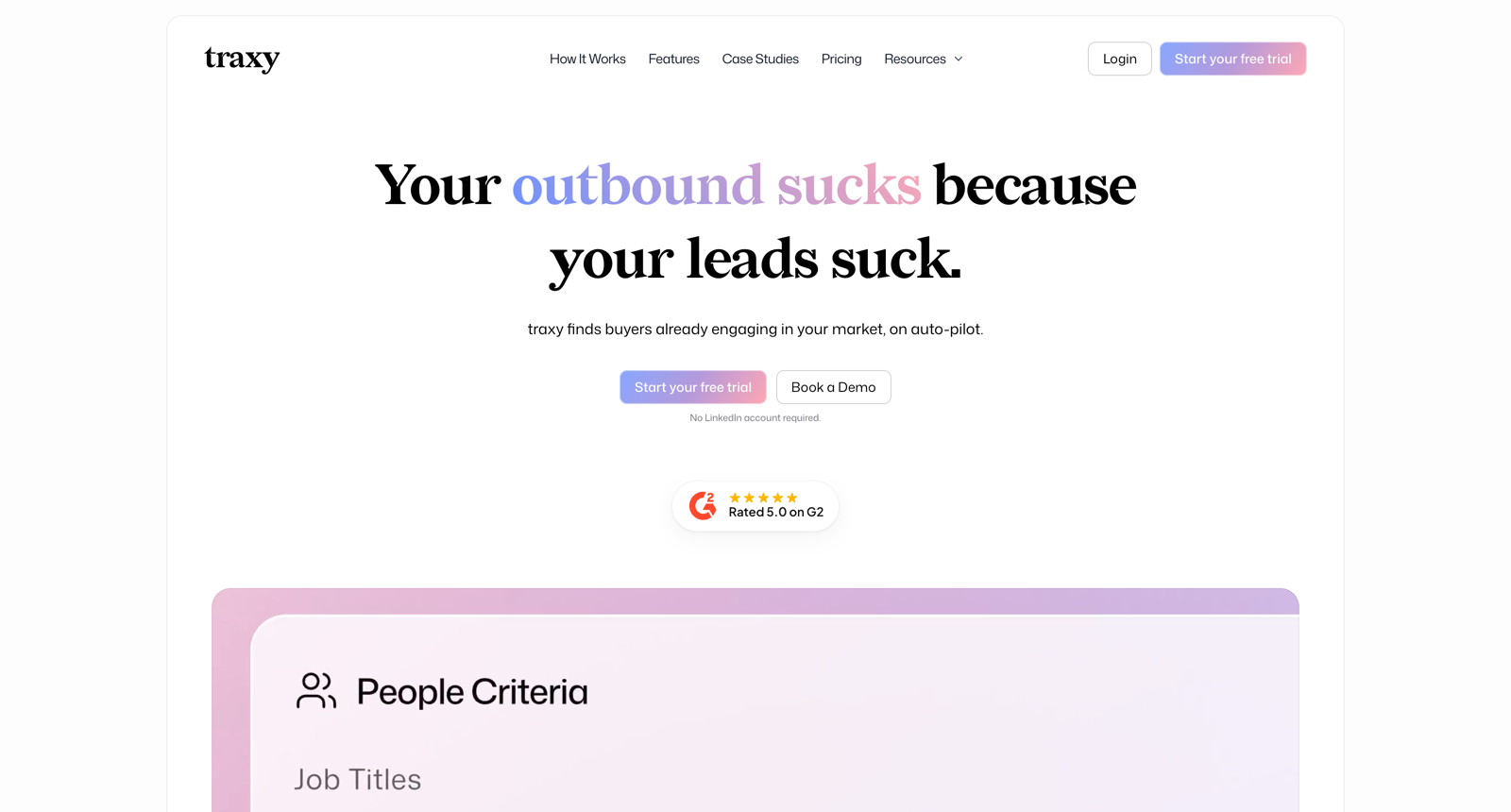
Traxy watches LinkedIn profiles you nominate, competitors, creators, investors and your own team, pulls the people who engaged with their posts, scores them against your ICP, enriches them with email and phone, and routes them onward. It writes nothing and sends nothing by design, and it positions itself as a partner to senders.
The watchlist is unlimited, but each profile contributes a sliding window of its five most recent posts published after you added it. For anyone tracking somebody who posts daily, that is a real ceiling. Its own cheat sheet ranks the eight engagement signals by warmth: a thoughtful comment on your content is warmest, a lone like is light awareness, and anything older than 14 days has lost its urgency. Marketing says 30+ signals across social, funding, hiring and web activity; the documentation documents eight, all engagement.
Best for: teams with a short, clear list of competitors and creators whose audiences they want to work, and a sender already in place.
Key features
- An unlimited watchlist of competitor, influencer, investor and custom profiles
- An hourly agent that hunts ICP matches without waiting for engagement
- Built-in email and phone enrichment
- Routing to HeyReach, Slack, HubSpot, Clay, n8n, Zapier and a REST API
Pros
- No LinkedIn account to connect, so nothing of yours carries the risk
- The deepest integration surface on this list
- A configurable minimum ICP match, so the threshold is yours to set
- Nine published case studies, more proof than most here offer
Cons
- Credits burn on every profile the agent scans, including the ones it rejects
- Only the five newest posts per watched profile, however large the watchlist
- Where the engager data comes from is not disclosed in the docs or the FAQ
Pricing: $149 a month for 5,000 credits, 20% off annual. One credit per qualified profile, three more for an email, five for a phone number. Larger credit tiers are advertised without prices. 7-day trial, card required.
4. Warmo
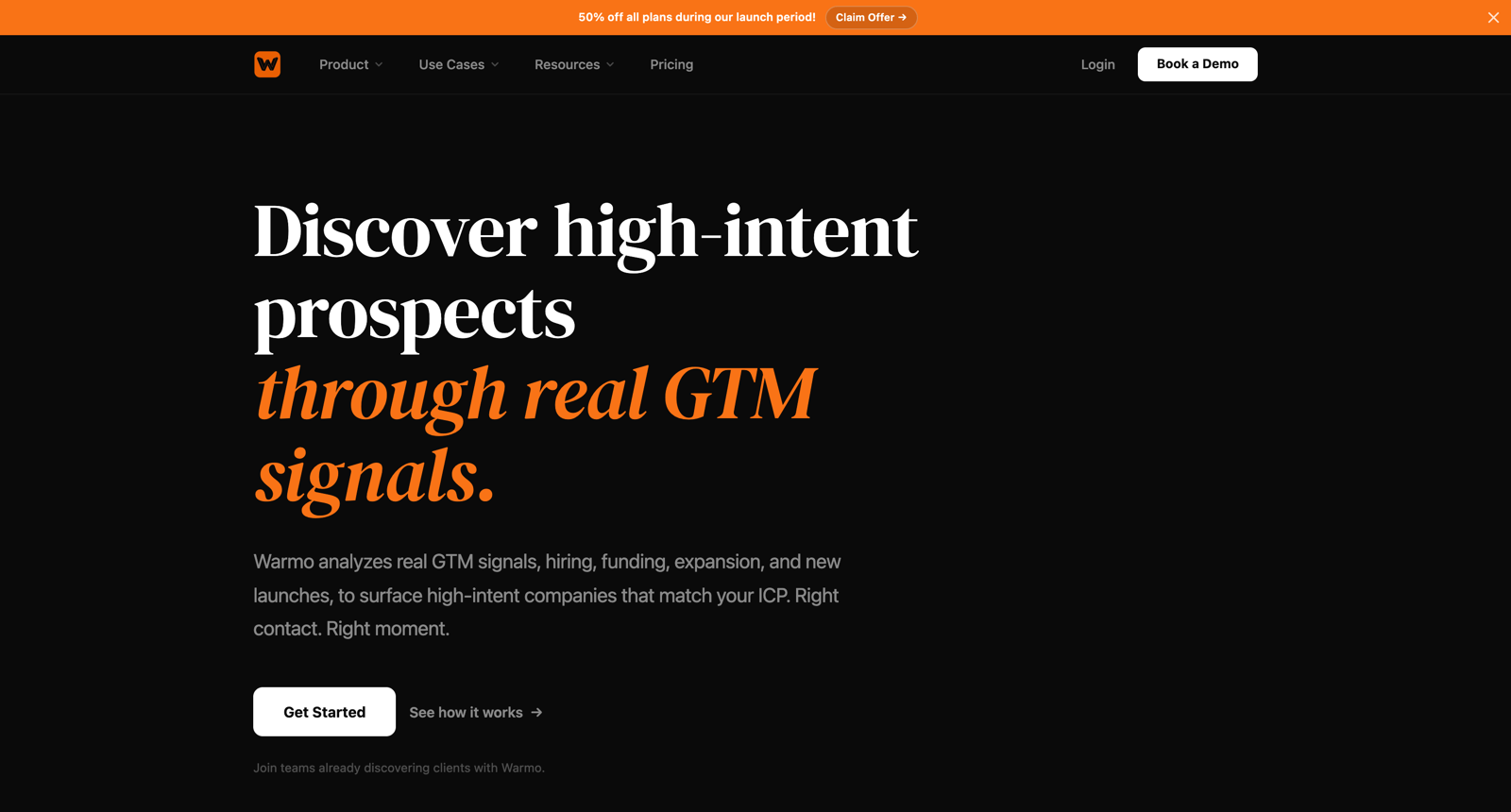
Warmo is the odd one on this list. It finds companies, then emails the buying committee inside them. Its own line is that most tools help you find people and it helps you find the right companies at the right time. There is no LinkedIn anywhere in the product, the guides or the privacy policy, so it is here because it competes for the same outbound budget, not because it does the same job.
The flow is an ICP, then market research from the live web, then company buying signals, hiring, funding, expansion, launches and technology adoption, then an opportunity score, then a qualified company list with verified emails and written outreach angles. It claims 100+ buying signals and lists none of them. Sending is cold email from mailboxes you set up and keep deliverable yourself.
Best for: account-first outbound by email, where the trigger is a company event and the buying committee is worked out afterwards.
Key features
- Company-level signals: hiring, funding, expansion, launches, tech adoption
- Market research per account, pulled from the live web
- Buying-committee lookup with verified email addresses
- Email campaigns, sequences, a unified inbox and analytics
Pros
- Company events that a LinkedIn-only tool cannot see
- Research and written angles arrive with the account
- Finding and emailing live in one tool
Cons
- No price published anywhere: every plan is custom behind a demo
- No LinkedIn, so nothing on the list is there because a person just did something
- Mailbox setup and deliverability are left to you
- Data sources are undisclosed, named only as third parties and public sources
Pricing: Starter, Pro and Agency, all custom behind a demo. A launch banner offers 50% off with no stated end date.
5. LinkedGrow
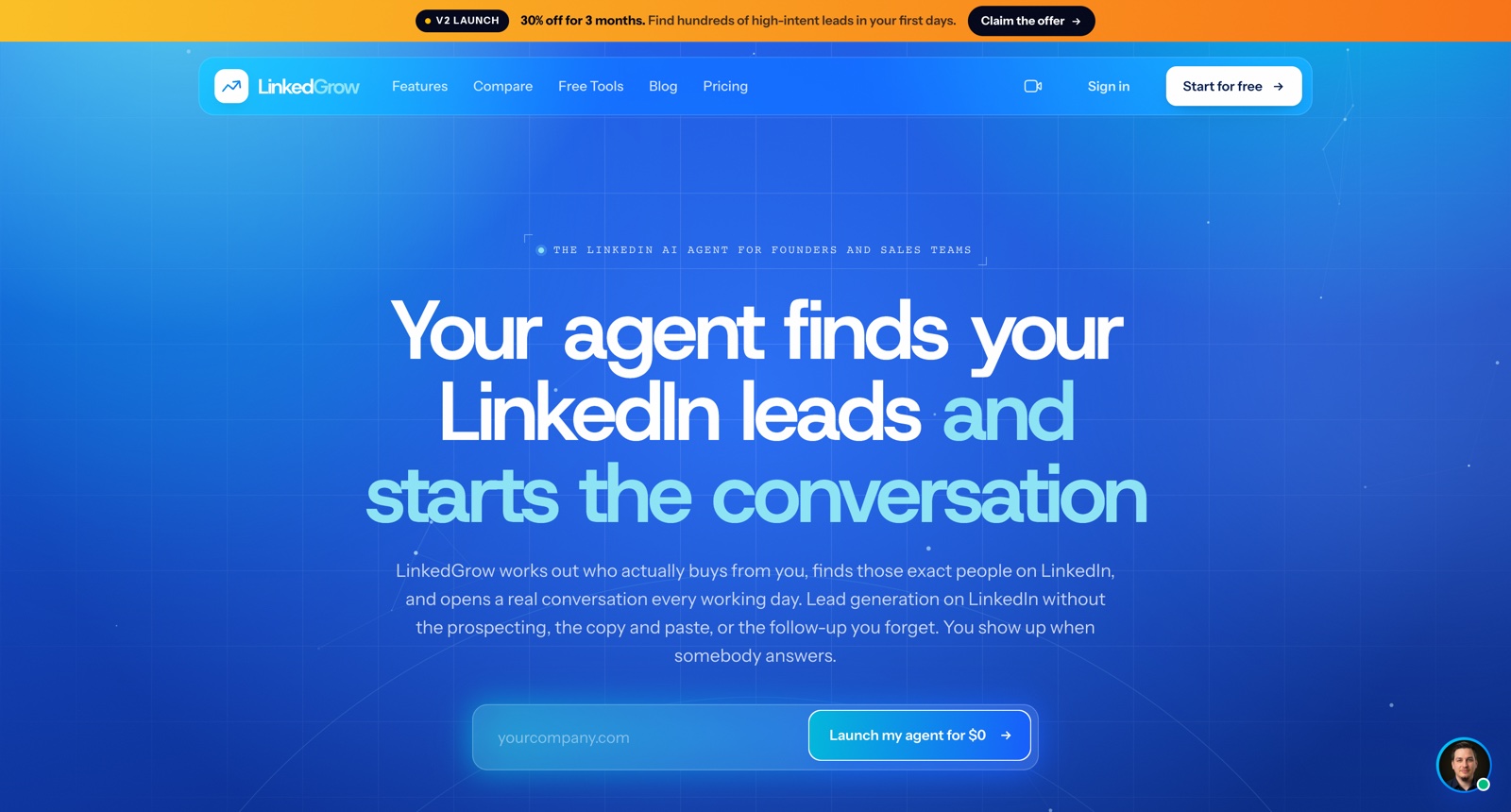
LinkedGrow runs the whole loop on LinkedIn and prices it well under everything else here. It finds the buyer from engagement signals, sends the connection request and the follow-up messages, runs the replies in one inbox, and hands over a qualified lead, autonomously during working hours.
Its signal list is close to the sourcing tools above: people engaging with a competitor's audience, people posting about the problem the product solves, job changers inside 90 days, and custom searches, each read against the ICP. It sells against senders, naming Dripify, HeyReach, Lemlist and PhantomBuster. No signal product appears in that list, and that tells you how much of the market still reads this category as automation with better targeting. It is EU-hosted, and its MCP integrations with ChatGPT and Claude are an angle nothing else here has.
Best for: founders who want sourcing and sending in one place and would rather not pay two subscriptions to get it.
Key features
- Competitor-engagement, problem-posting, job-change and custom-search signals
- Connection requests and DMs sent from your account during working hours
- One inbox for replies, with email alerts
- MCP integrations with ChatGPT, Claude and others
Pros
- The lowest entry price on this list
- Contact caps, with no credit meter, so nothing burns on a miss
- Sourcing and sending in a single subscription
Cons
- It runs on your LinkedIn account, and that account carries the risk
- The smallest and newest here, and it publishes no pacing or warm-up figures
- What the contact cap counts, people found or people messaged, is not stated
Pricing: Pro $59 a month for 2 agents and up to 1,000 contacts, Business $89 for 3 agents and 1,500. 30% off the first three months. Writing posts runs on your own AI key.
6. Gojiberry
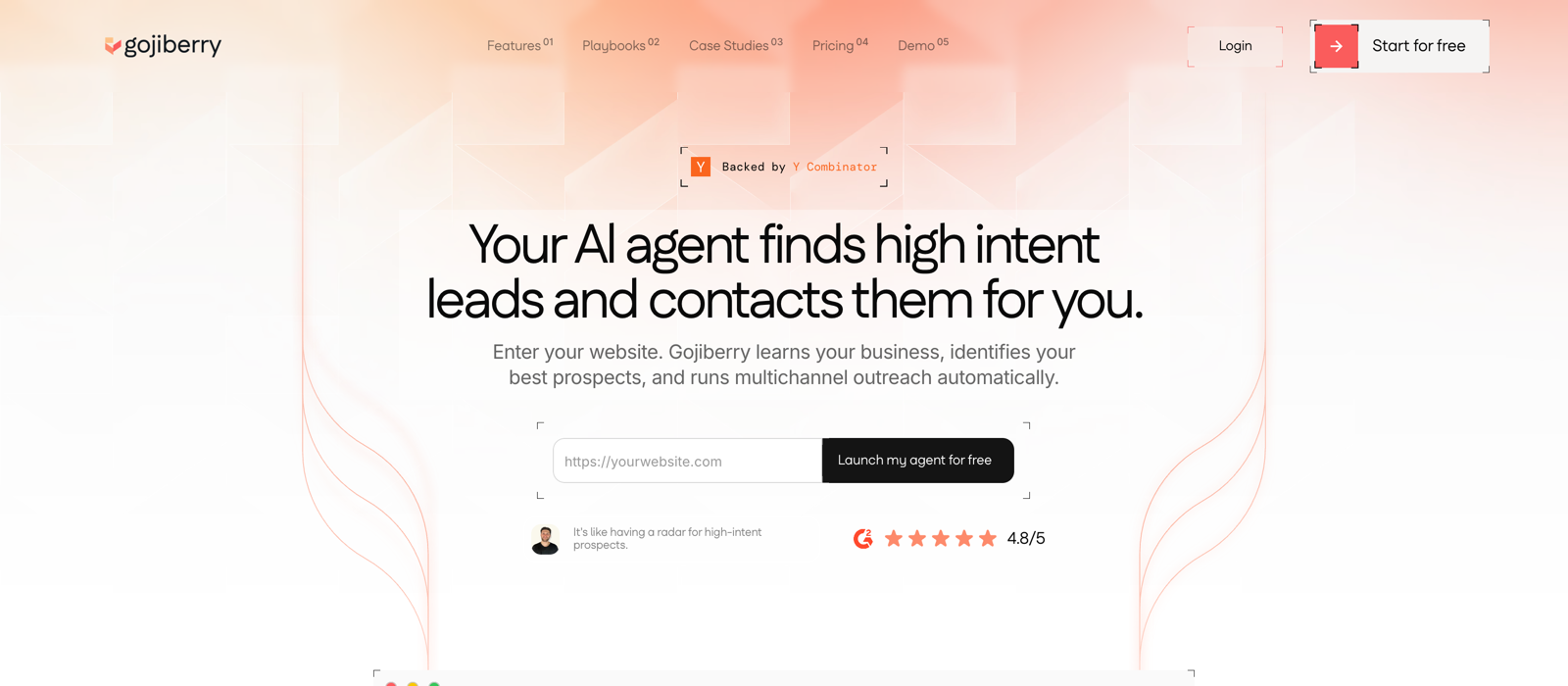
Gojiberry runs the familiar loop: signal agents find leads, the leads land in a list, the list feeds a campaign, the campaign sends from a connected LinkedIn account, and replies arrive in a unified inbox. Onboarding is website-first. Enter a URL and it fills in the company description, the value proposition, the ICP and a set of suggested signals.
Signal breadth is its bet. Each agent has 15 signal slots across content keywords, named profiles, competitor company pages, trigger events like job changes inside 90 days and recent funding, and first-party sources. Their own advice is to fill ten or more slots, review performance weekly and drop the signals returning nothing. The first-party signals they call strongest are also the thinnest: profile viewers need Premium or Sales Navigator, and company followers need the admin page URL.
Its defaults lean to volume. They recommend 100 invitations a week for anyone who has automated before, and 140 to 150 with Sales Navigator, which sits above what most accounts are held to.
Best for: teams who want signal breadth and the send in one tool, and have a few weeks to spend tuning the ICP.
Key features
- 15 signal slots per agent across keywords, profiles, pages and trigger events
- Website-first onboarding that drafts the ICP and suggests the signals
- A flame score of 1 to 3 per lead, combining intent strength with ICP fit
- A review mode, off by default, for approving leads and editing messages
Pros
- The broadest signal set among the tools that also send
- Priced per capacity, with nothing metered per lead or per message
- Weekly signal performance insights make a dead signal obvious
- The most generous public playbook here: a 77-minute founder-led walkthrough
Cons
- Hard ceilings of 15 signals an agent, 2 agents and 2 LinkedIn accounts
- Reviewers report two to four weeks of tuning before lead quality settles
- Rejecting a lead removes it but does not yet steer the agent
- The recommended sending pace sits above what many accounts tolerate
Pricing: $99 a month for Pro, with 2 LinkedIn accounts and 2 signal agents. Extra signal agents are $49 a month and extra members $99. Elite is custom.
7. Valley
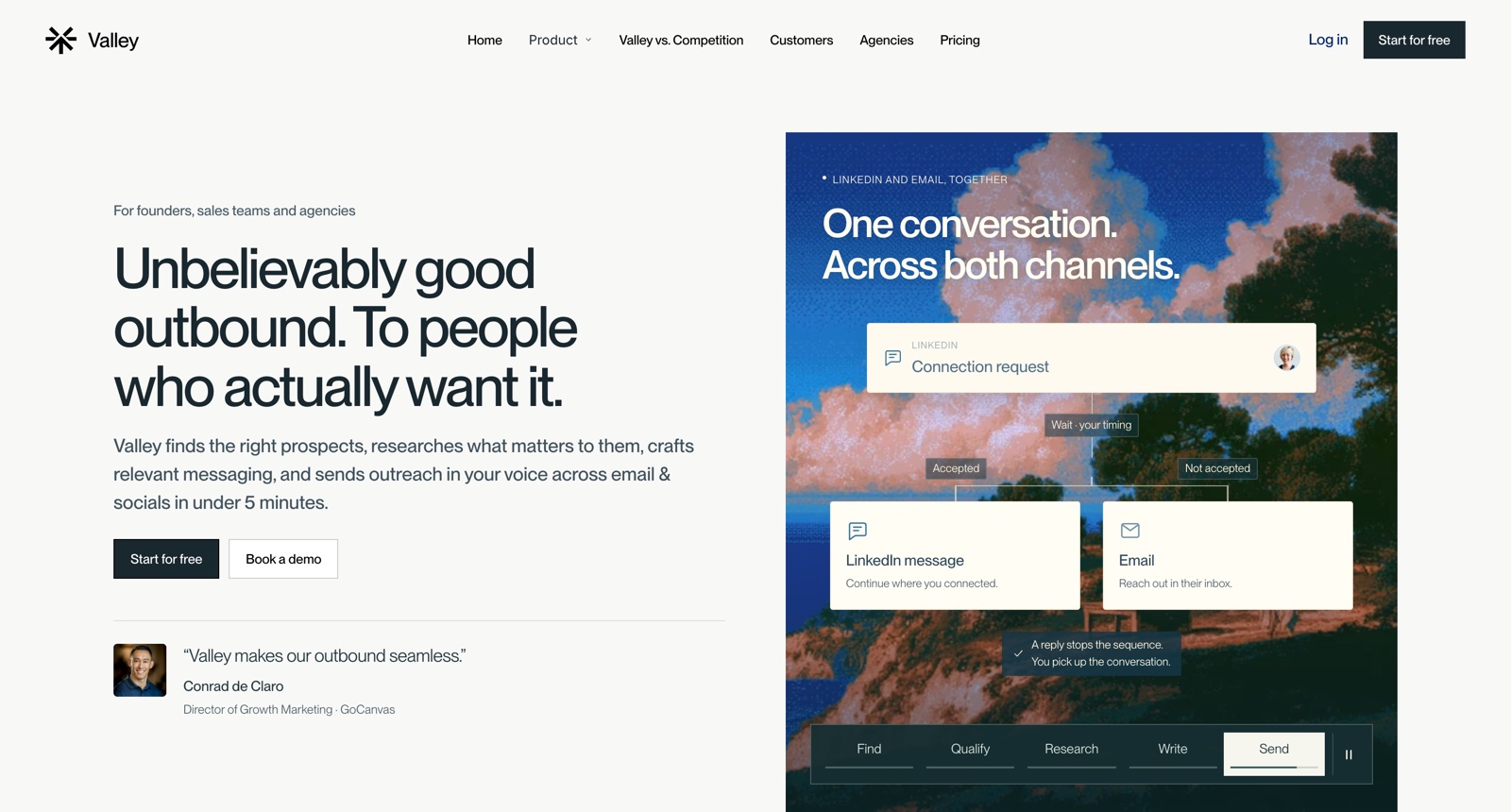
Valley is the research-heavy end of this list. It finds high-intent leads, researches each one across 60 to 100 data points, scores ICP fit as high, medium or low, writes in your voice, and sends connection requests, follow-ups and InMails. It also drafts replies and triages the inbox into interested, might be and not interested.
Its lead sources are first-party by default: profile viewers, engagers on your own and competitors' posts, company followers, and website visitors identified down to the person with the pages they viewed and how often. Valley Deep takes a sentence describing the buyer, searches the open web for companies showing signs, and finds the decision makers on a schedule. Before writing, you pick which research runs: hiring trends, financials, leadership changes, funding, G2 reviews, news, podcasts.
The A/B test they publish is the clearest argument on this page for sourcing from signals at all. Same campaign, same infrastructure: a cold database list of 2,300 people returned 5.7% replies and 2 opportunities, and a signal list of 1,690 website visitors and post engagers returned 46.3% and 56. The numbers are self-reported and theirs.
Best for: teams who already have a list and need the writing to carry more weight, and who will pay per seat for the research behind it.
Key features
- Warm lists: profile viewers, post engagers, company followers, site visitors
- Valley Deep, a plain-English buyer description searched on a schedule
- A research library you choose from per campaign, quoted in the message
- An approvals folder with the score, a summary and why each message was written
Pros
- The deepest per-lead research here, with its sources quoted in the message
- Person-level website visitor identification, which nothing else here offers
- Human-in-the-loop if you want it: 50 messages approved in 15 to 20 minutes
- Claims zero suspensions across 1,000+ managed accounts, with a 5x refund if it causes one
Cons
- The most expensive here, and priced per seat
- Message credits and Deep Search credits sit on top of the seat price
- Connection is extension-only, Chromium browsers only, the same browser each time
Pricing: Base $199 a seat monthly, or $149 billed quarterly. Growth $499 a seat adds Valley Deep. Studios, the done-for-you service, is $1,499. 7-day trial on Base, card required.
8. Kakiyo
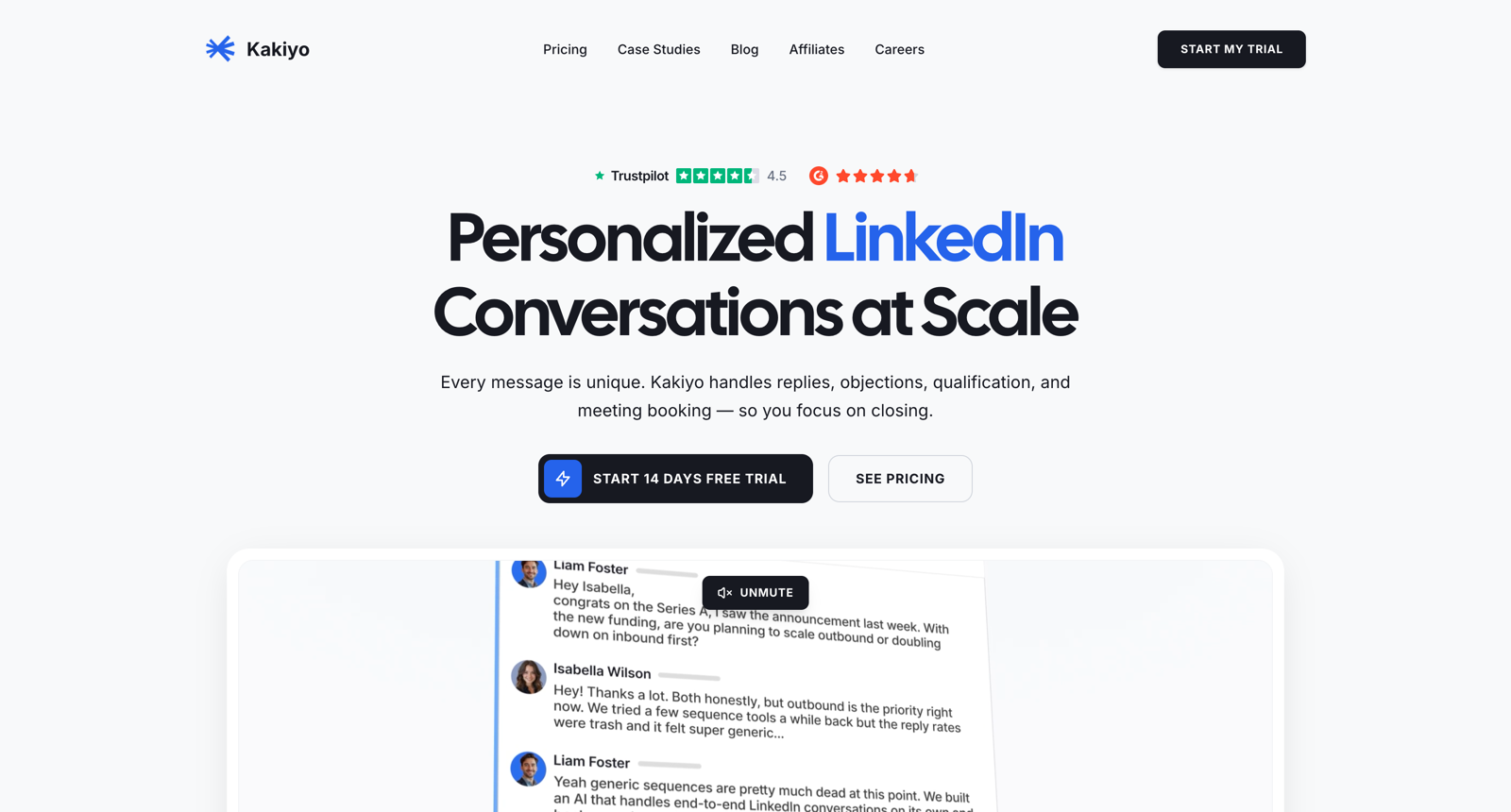
Kakiyo is the sending end of this list with very little on the sourcing end. It calls itself the first AI SDR for LinkedIn and runs the whole conversation unattended: it sends the invitation, follows up, answers replies and objections, asks qualification questions about budget and timeline, and books the meeting. Setup is three stages. Teach it the offer and the voice, test its answers in a sandbox, deploy.
Its leads come from a CSV import, a Sales Navigator import, or a lead finder where you describe the ICP in words and it proposes filters. What it calls signals are profile attributes: LinkedIn activity, job changes inside 90 days, news mentions. There is no engagement graph, no competitor audience and no follower-of-voice targeting, so its messages personalise from who somebody is and never from what they just did.
Its safety posture is the most clearly published of anything here: a maximum of 40 invitations a day, 30 to 40 recommended, LinkedIn's monthly ceiling enforced automatically, and a warm-up ramp of 15 to 20 a day for the first three days.
Best for: founders who already know who to contact and want the conversation run from invitation to booked meeting without a human in it.
Key features
- An agent that handles replies, objections and qualification unattended
- Meeting booking with nobody in the loop
- A sandbox stage for testing the agent's answers before it goes live
- Cloud sessions on a local IP, with no browser extension to install
Pros
- Conversation depth beyond anything else on this list
- Pacing ceilings and warm-up ramps are published up front
- It gets cheaper per sender as you add them
- Deduplication and do-not-contact checks run at import
Cons
- Sourcing is a filtered search, so it cannot know what a person just did
- Every tier meters 5,000 AI credits per agent and the docs never say what burns one
- The arithmetic caps it: one account tops out near 800 messages a month
- Public prices are inconsistent between the site and review sites after a repricing
Pricing: Pioneer €125 a month for 1 LinkedIn account and 3 campaigns, Hunter €315 for up to 3 accounts, Conqueror €495 for up to 5. Yearly billing is cheaper per month. Every tier includes 5,000 AI credits per agent.
What happened to Trigify?
Trigify is leaving the market, so it is not one of the eight. The team announced on 23 September 2026 that it is joining HubSpot, and the standalone platform is winding down, with customer access ending 22 October 2026.
It is worth a section because it had real users and the search demand has not caught up, and anyone still running it needs somewhere else to source from inside a few weeks. It was detection-only, reading signals from LinkedIn, X, Reddit and YouTube and resolving them to a person, so the closest replacements are the first four entries above.
Which tools need access to your LinkedIn account?
Every tool that sends, and nothing that only sources. On this list that means LinkedGrow, Gojiberry, Valley and Kakiyo need one. WarmDogo, Max, Traxy and Warmo do not.
This is the largest practical difference between the two halves and it gets less attention than it deserves. The account connected to an automation is the account that gets restricted if the pacing is wrong or the targeting is loose, and an established profile is not quickly replaced. A sourcing tool that reads public activity has nothing to connect and nothing to restrict.
It also caps what a sending tool can do for you. One account sends roughly 800 invitations a month whatever software is driving it, so a sender does not increase your reach. It makes a fixed allowance easier to spend. See LinkedIn connection limits for what that ceiling actually is.
How should I choose between them?
Start from which half you are missing, then ask three questions.
- How many places does it look? A tool watching one competitor's followers runs dry, fastest on a narrow market. Breadth of source is what keeps a list filling in a quiet week.
- What does it meter? Credits charged per profile scanned mean a badly tuned ICP costs money and returns nothing. Leads a day caps your best weeks as well as your worst.
- Does it stop? A tool that returns the same number of names whether or not anyone did anything is giving you a list, not a signal.
If you already send from somewhere, buy sourcing and keep sending from where you are. If you have a list and no way to work it, buy sending. Buying both at once, from one vendor, usually means the half you needed most is the half they built second.
Where to start
Whichever you pick, test the list before you test the message. Take a week of outreach and split it: half to whatever list you build today, half to people who did something in the last few days. Keep the message identical.
That comparison costs nothing and it settles which half of the problem you actually have. No feature table can tell you that.